



From Training to Performance.

Transform the way you present using VR

Enhance your communication skills with practical VR exercises and
scientifically-backed content.

Built by professionals. For professionals.

The future of presentation training
Gamification

Experience an innovative learning environment that uses gamified elements and interactive features to make training fun and engaging.

Scientifically validated

Through a research project with the Technical University of Munich, we established the scientific foundation for VR Speech Trainer. All research findings were presented to international experts through a double-blind peer-review process.

Multilingual

With its multilingual approach, VR Speech Trainer was developed as a Virtual Reality application for the international speaking and presentation market. Currently supported languages include German, English, French, Spanish, and Italian.

Virtual Reality

Using Virtual Reality technology, you’ll immerse yourself in a virtual world and practice your communication and presentation skills in a safe, controlled environment.

Smart features for measurable learning success.

Plug & Play so you can focus on what matters

VR Speech Trainer enables practical presentation training in Virtual Reality with an exceptionally simple onboarding process. Without any technical expertise, users can start immediately with user-friendly standalone VR headsets in an intuitive learning environment.

Realistic presentation scenarios and customizable difficulty levels support targeted development of presentation and communication skills. Scientifically-backed content and tutorials ensure sustainable learning success and confident transfer to real-world practice.
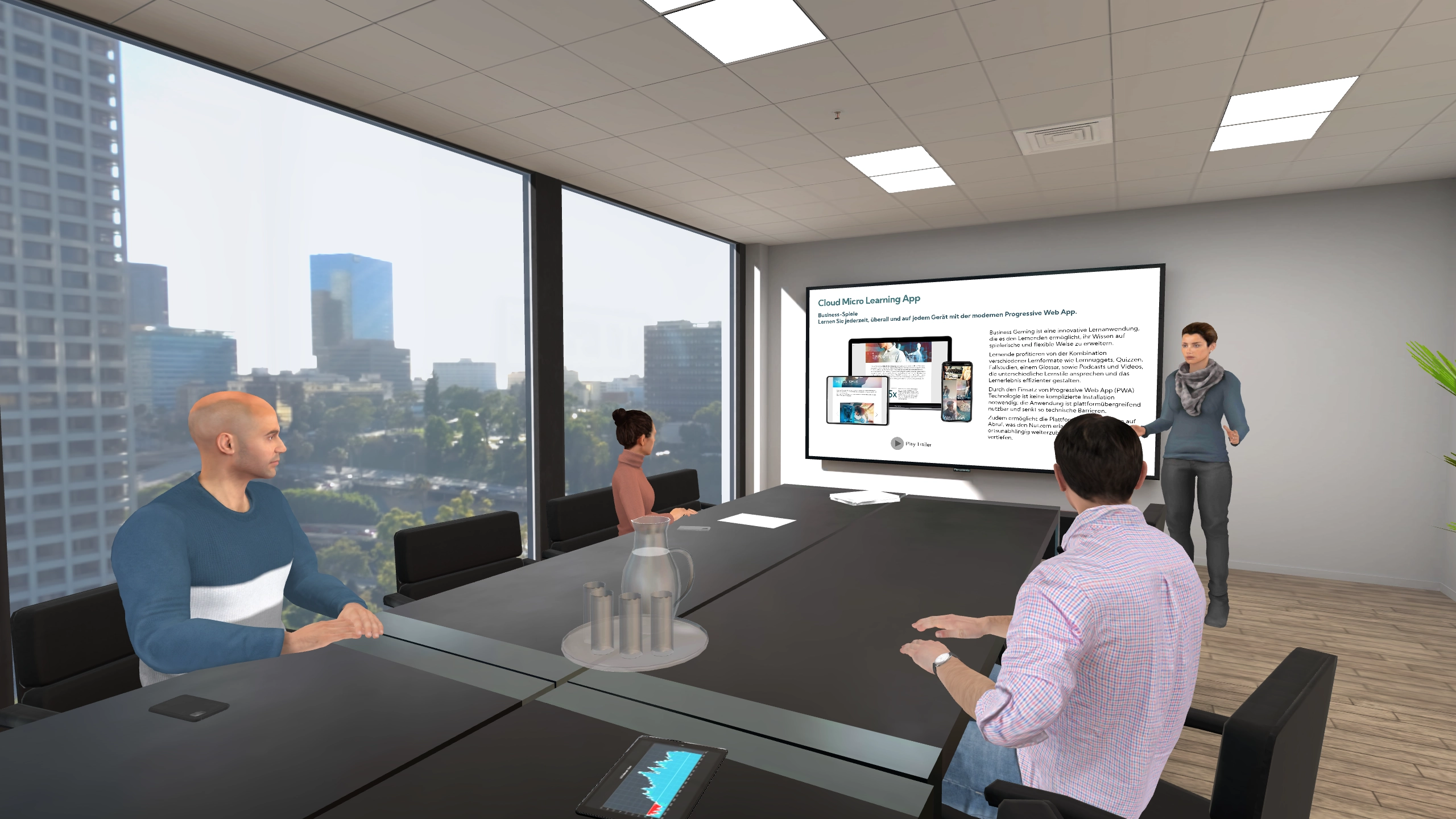
  • Plug & Play setup without complex installation

  • Simple, intuitive operation

  • Individually adjustable difficulty levels

  • Realistic presentation scenarios in a safe environment

  • Scientifically-backed content and tutorials

Intelligent training platform for presentation training

The VR Speech Trainer platform consolidates all training activities and analyzes them using trend analysis and statistics. Users gain transparent insight into their training data and can specifically identify which areas should be developed further.

An AI-powered feedback system provides personalized guidance to continuously improve presentation and speaking skills.

  • Centralized overview of all training data

  • AI-powered, personalized feedback

  • Data-driven development of individual strengths

  • Scientifically-backed content and tutorials

Flexible scenarios & secure data processing

For different training objectives, VR Speech Trainer offers a variety of realistic presentation scenarios. Users can choose between authentic simulations or gamified real-time feedback to optimally customize their training. The platform is based on modern cloud architecture. All personal data is processed GDPR-compliant in an ISO-27001-certified data center in Germany, meeting the highest IT security standards.

  • Diverse training and presentation scenario

  • Choice between simulation and gamified feedback

  • GDPR-compliant, secure cloud infrastructure

Communicate convincingly. Make lasting impact.

The Power of Public Speaking

Unlock your potential and develop essential soft skills for impactful communication and leadership.
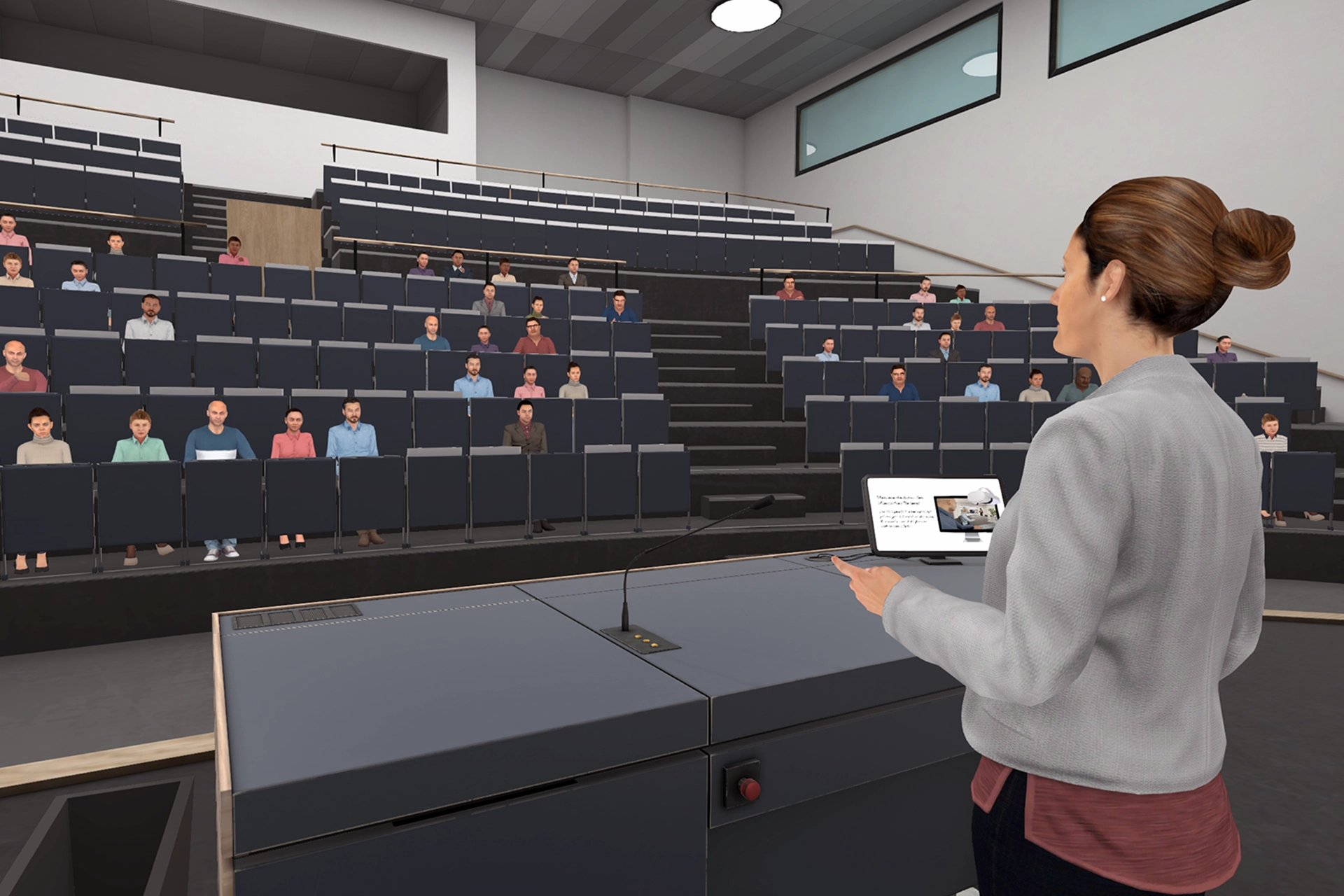
Public speaking is more than words. It’s about presence, impact, and the ability to truly reach people. VR Speech Trainer helps you build confidence, strategically develop your communication skills, and present confidently even in challenging situations.

Through practical training in realistic scenarios, you’ll learn to convey your message clearly, coherently, and persuasively. At the same time, you’ll strengthen your personal presence and develop the ability to provide direction and assume leadership through effective communication.

eLearning Award

VR Speech Trainer was honored with the eLearning Award for its use in academic teaching. The jury particularly praised the educational psychology value in soft skills training and the realistic VR experience that effectively supports students in reducing public speaking anxiety and stage fright.

eLearning Award

From 87 winning projects, the jury selected the top 3 for the special prize “Project of the Year” through an additional selection process. VR Speech Trainer was among the three finalists and placed second – recognition for innovation and practical value in digital learning.

B.DiGiTAL

The Bavarian Ministry for Digital Affairs awarded VR Speech Trainer first place in the B.DiGiTAL Digital Award. The recognition honors the successful use of immersive technologies for skills development and the measurable effectiveness of virtual presentation and rhetoric training.


Well supported. From the start.

Information, onboarding, and support all in one place

Trainer Platform

Using VR Speech Trainer is intuitive and straightforward. Follow the instructions on our platform (trainer.vr-speech.com) and begin your training.

Our Official Shop

Use your license on all available devices! Discover our individual, group, and annual licenses. Or request custom quotes for businesses and educational institutions. We support educational institutions; benefit from up to 50% discount!

Your support for VR Speech Trainer

For technical questions, support, or custom inquiries. Leave your email address – we’ll get back to you as soon as possible.

Support & FAQ

Open the Store on your Meta Quest headset and enter the full name “VR Speech Trainer” in the search bar. Then scroll to the very end of the search results. You’ll find VR Speech Trainer under the App Lab results. Alternatively, the app can also be installed via Sidequest (see FAQ).

On the Pico Neo 3 Pro and Pico 4E, you’ll find VR Speech Trainer as a regular download in the associated Business Store.
Alternatively, the app can also be installed via Sidequest (see FAQ).
On the HTC VIVE Focus 3, you’ll find VR Speech Trainer as a regular download in the associated Store.
VR Speech Trainer can be installed via the SideQuest platform. Sidequest is an independent and established platform developed by the VR community that offers a variety of games and apps. SideQuest enables developers to make their content easily accessible.

For Pico devices: https://sidequestvr.com/app/16526/vr-speech-trainer

For Quest devices: https://sidequestvr.com/app/5422/vr-speech-trainer

Installation doesn’t require SideQuest registration, but involves the following steps:

Visit the SideQuest download page:

https://sidequestvr.com/setup-howto.

Here you’ll find the program as well as video tutorials.

  1. Download, install, and launch the SideQuest “Advanced Installer” on your PC or laptop.
  2. Enable developer mode on your Pico: https://knowledge.vr-expert.com/de/kb/wie-aktiviere-ich-den-entwicklermodus-auf-der-pico-4-enterprise/
  3. Enable developer mode on your Quest headset: https://developer.oculus.com/sign-up/
  4. Connect your computer to the VR headset via cable
  5. Grant permission on the headset if required
  6. The device will now show as connected in the SideQuest program, top left
  7. Search for VR Speech Trainer in the search bar
  8. Click the “Sideload” button on the right
  9. The program will then ask for country and date of birth – simply enter anything
  10. The app will now install automatically
  11. Grant permissions for microphone and data after first launching the application, otherwise voice input won’t work
  12. Done! Now you can train

Renewal:

You can renew your existing license at any time by purchasing a new license and re-registering with this license key and your existing account. Your progress will be retained. However, note that license durations are not added together, and only the license with the longest duration is considered. We therefore recommend always letting your current license expire before renewing it.

Cancellation:

No additional cancellation is required. After the end of the booked duration, the license and thus access to the VST platform automatically ends. Your account can be reactivated at any time by purchasing and activating a new license.

Activating multiple licenses:

You can activate multiple licenses, but only the license with the longest duration will be considered. We therefore recommend always letting your current license expire before activating a new one. You can then re-register with a new license key and your existing account to reactivate the account. Your progress will be retained.

VR Headset:

No, users can share a headset and use it one after another. To do this, each user must log in to VR Speech Trainer with their individual user ID.

Accounts:

Yes, each user requires their own account.

The VR application can be downloaded free of charge at any time from the stores of supported VR headsets. In the main menu, you have access to a demo version* including a predefined presentation situation with a final star rating. Access to the VST platform and thus all features requires one of the licenses listed above.
VR Speech Trainer offers two licensing models:
The Individual License is ideal for individuals or small teams who want to train independently and continuously. It’s available as a monthly or annual license and is immediately ready to use – simply register and get started.

The Enterprise License is designed for organizations, businesses, and educational institutions. It includes an Account Management System (AMS) for centralized administration and a flexible voucher system with durations from 1 to 365 days. This model is particularly suitable when you want to provide VR Speech Trainer to a larger or rotating user group.

For schools, colleges, and universities, we offer attractive educational discounts of up to 50%.

It depends on how you want to use VR Speech Trainer:

The Individual License is the right choice if you’re training as an individual or if a small, fixed team will use the access permanently. Management is simple via email and password.

We recommend the Enterprise License when multiple or rotating people will use VR Speech Trainer – for example, in seminars, workshops, school classes, or university courses. Only with the Enterprise License is GDPR-compliant data separation between different users guaranteed, as each person sees exclusively their own reports.

Important:

With the Individual License, all training reports are visible in the account – regardless of who conducted the session. For scenarios with rotating users, the Enterprise License should therefore be used for data protection reasons.

Validity:

License keys are valid indefinitely until activation. The actual license duration only begins with account activation. Depending on the purchased product, accounts can be activated for a duration of one month or one year.

Expiration:

When no license is valid on an account, you can no longer log in. You can re-register with a new license key and your existing account to reactivate the account. Your progress will be retained.

Yes, you need one of the supported VR headsets to use VR Speech Trainer.
The supported devices can be found on our shop page.
Your direct contact for the VR Speech Trainer

Do you have any questions or are you interested in the VR Speech Trainer? Simply use the contact form and we’ll get
back to you personally shortly.

Data Protection Information
Your data will be processed exclusively for the purpose of handling your inquiry (Art. 6(1)(a) and (f) GDPR) and will not be shared without your consent.
You may withdraw your consent at any time. Further information can be found in our Privacy Policy.